AI design tool · 2026
Design Core
Describe a screen. Get a real prototype.
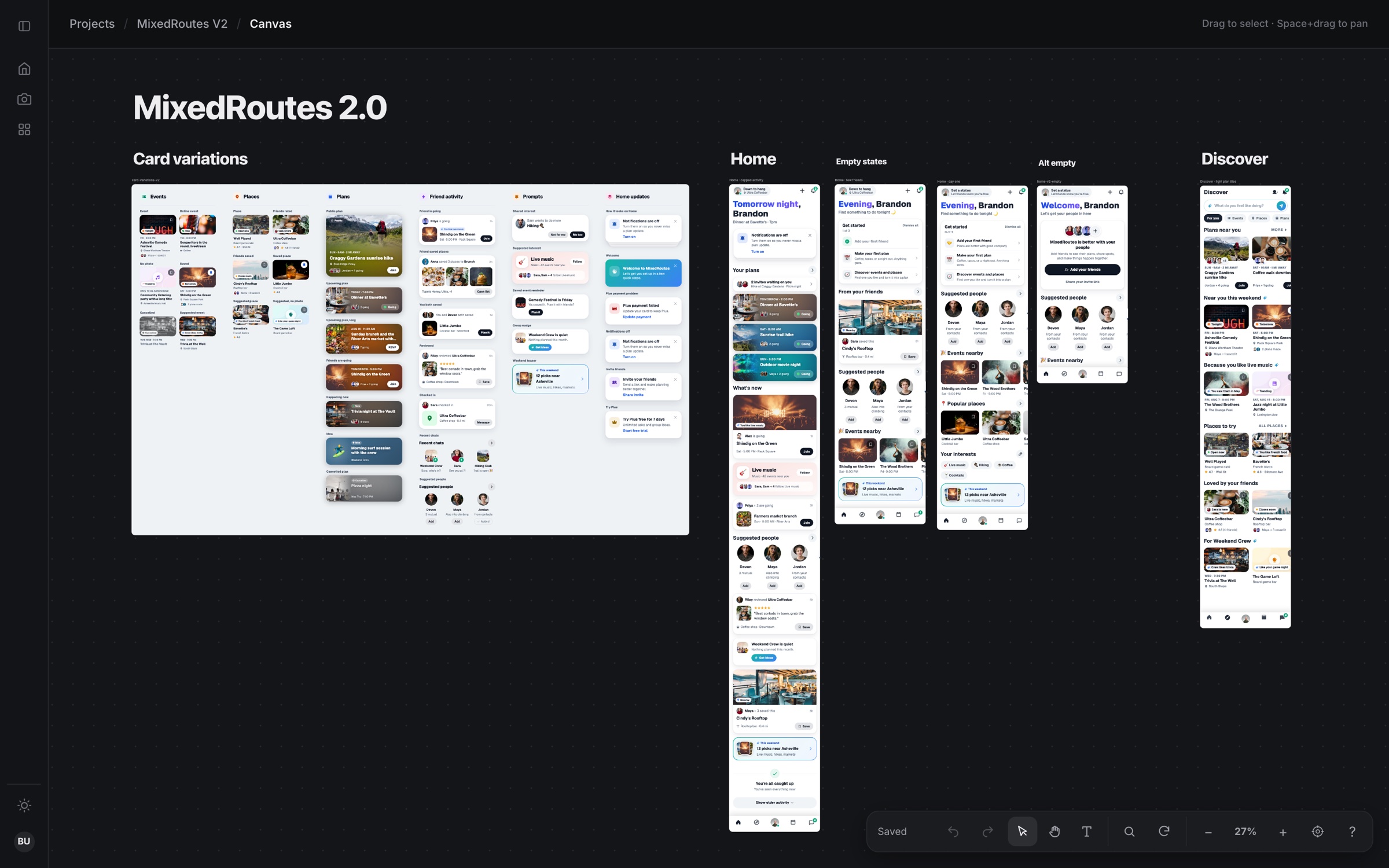
The design tool I built for how I work now. I describe screens to an AI, it writes real HTML, and the screens land on an infinite canvas as clickable prototypes with a living design system beside them. I use it for my own products, and it’s how I design at Jack Henry.
- Role
- Solo · design & code
- Made with
- Vanilla JS, Vite, Playwright, Claude Code / Cursor
WhyDesign files drift. Files don’t.
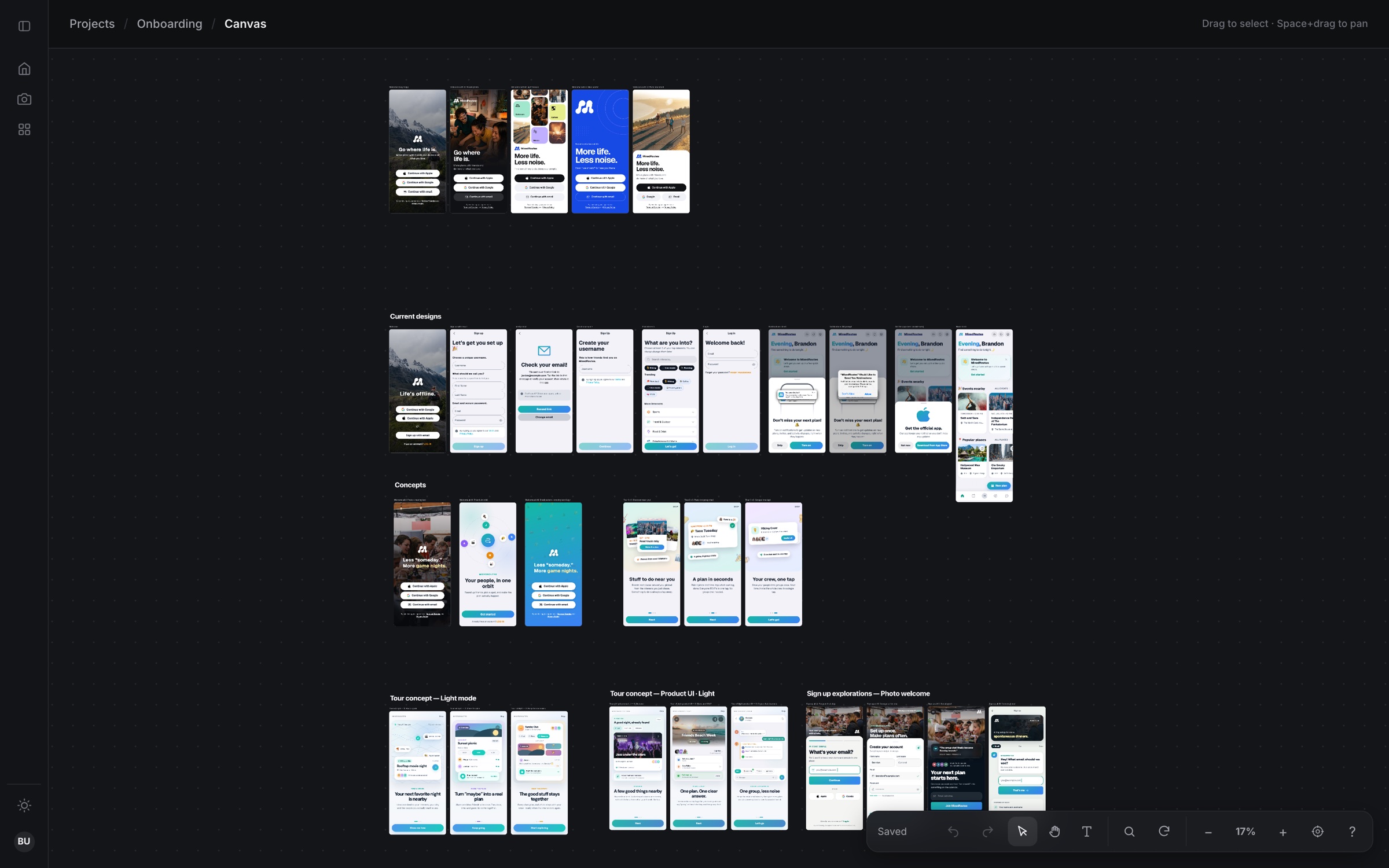
Design files and real products drift apart. Design Core skips the drift: every design is a plain HTML, CSS and JS file in a folder, so what you prototype is already real UI. No framework, no backend, no database.
Because it’s all plain files, an AI can lay out and group the canvas just like I can. I describe a flow, it builds the screens, and I art-direct from there.
PrototypeClick it, don’t imagine it
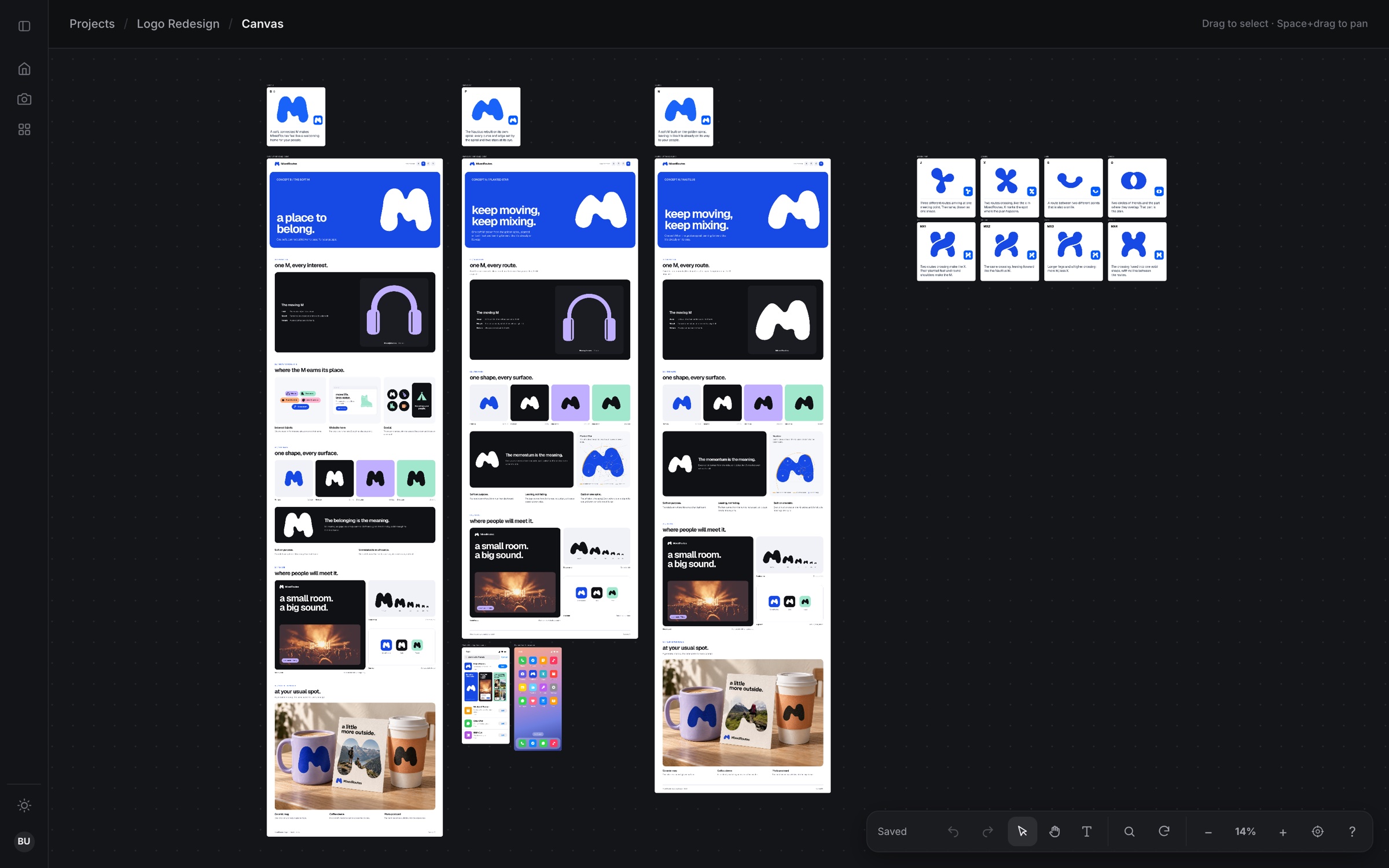
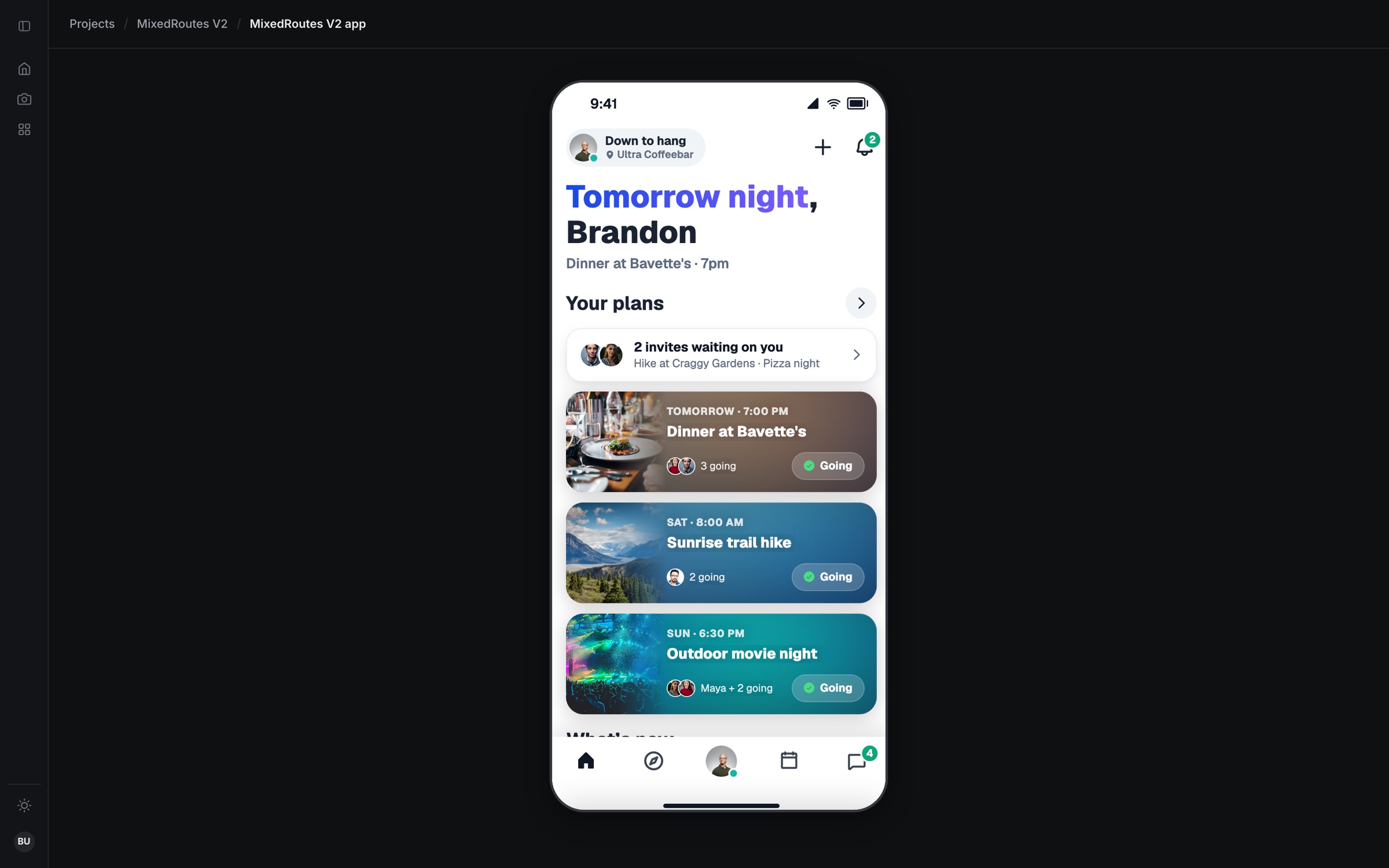
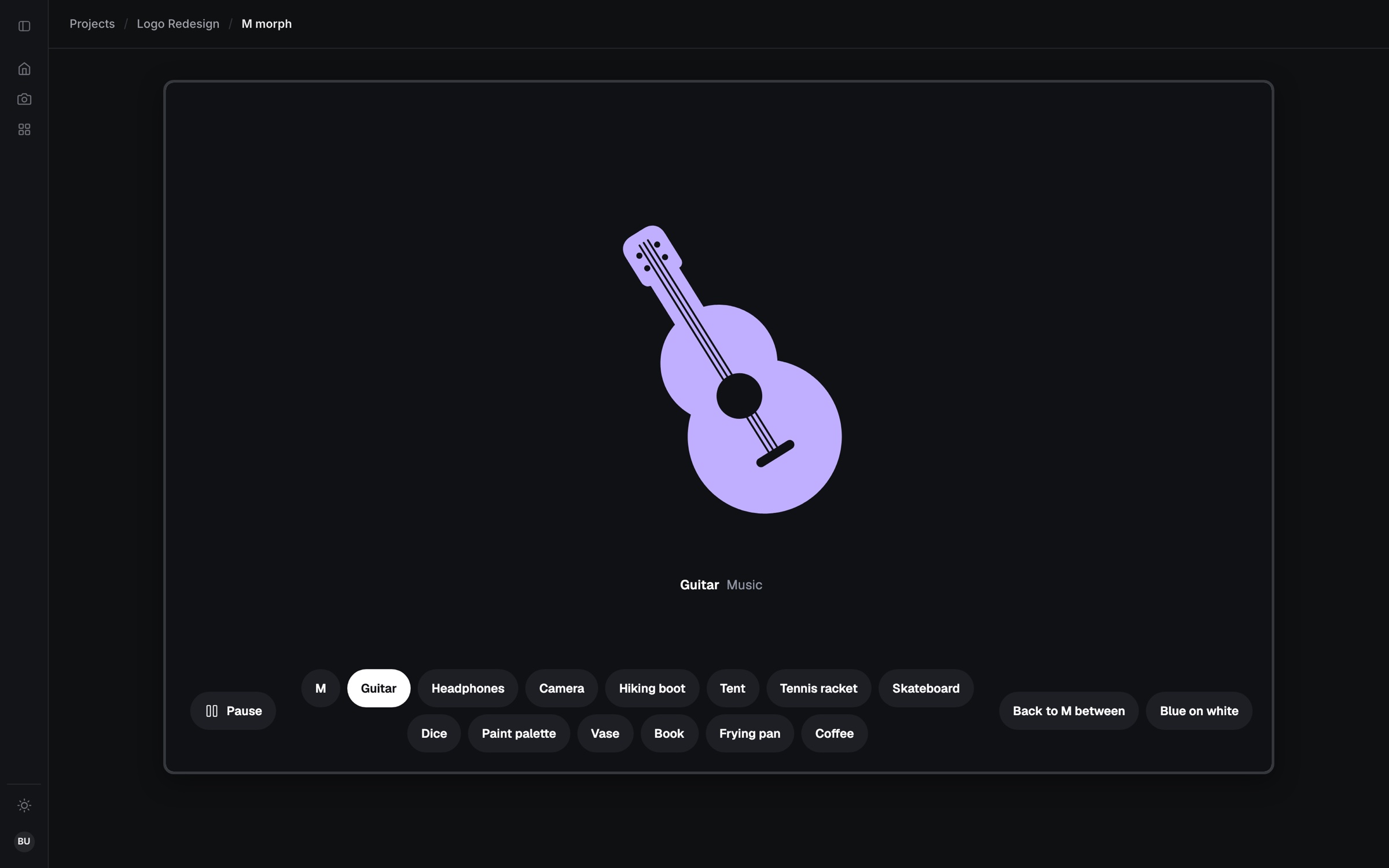
Any screen becomes a clickable prototype in a phone frame, including motion studies like a logo that morphs through hobbies.
SystemA design system that’s already code
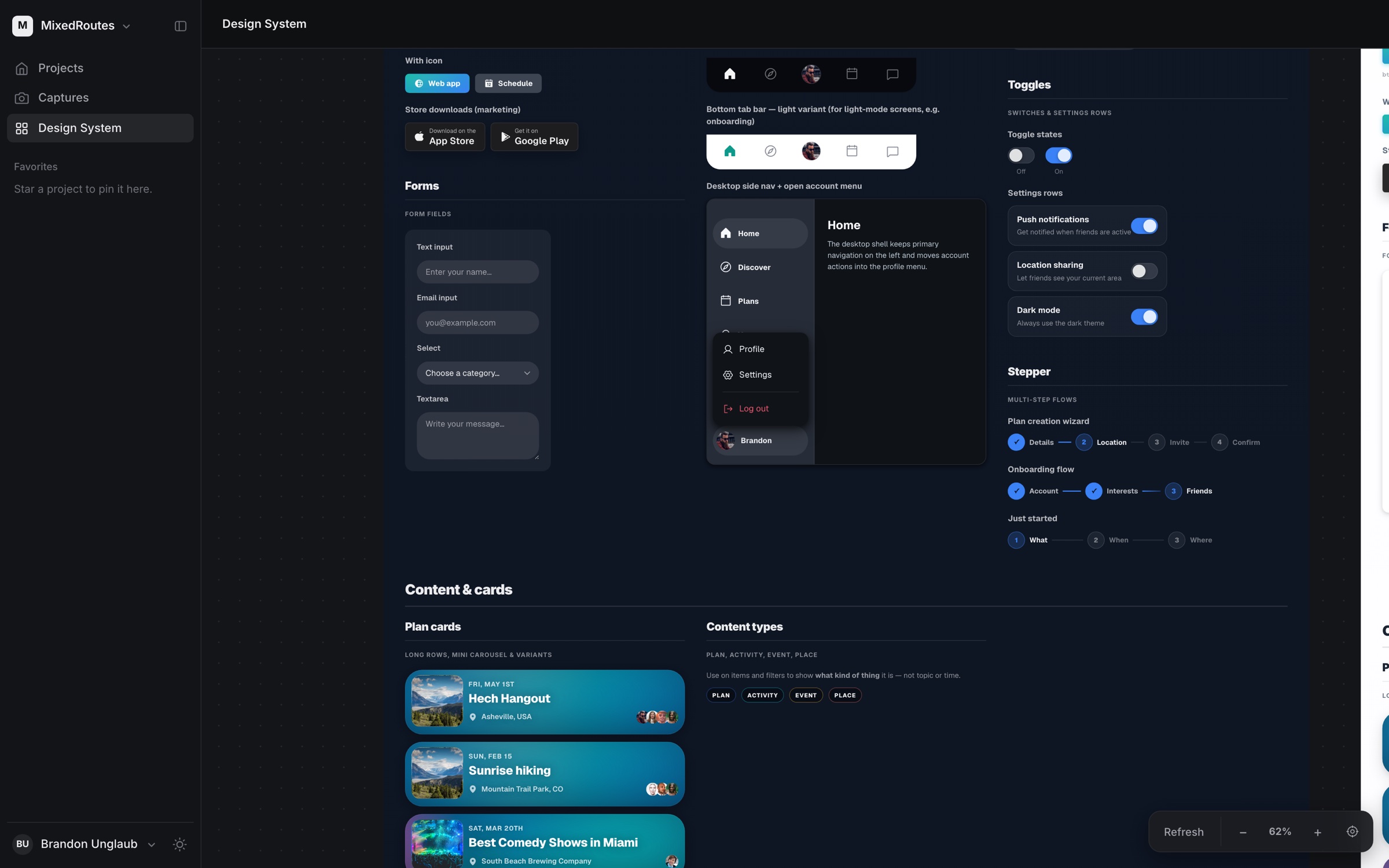
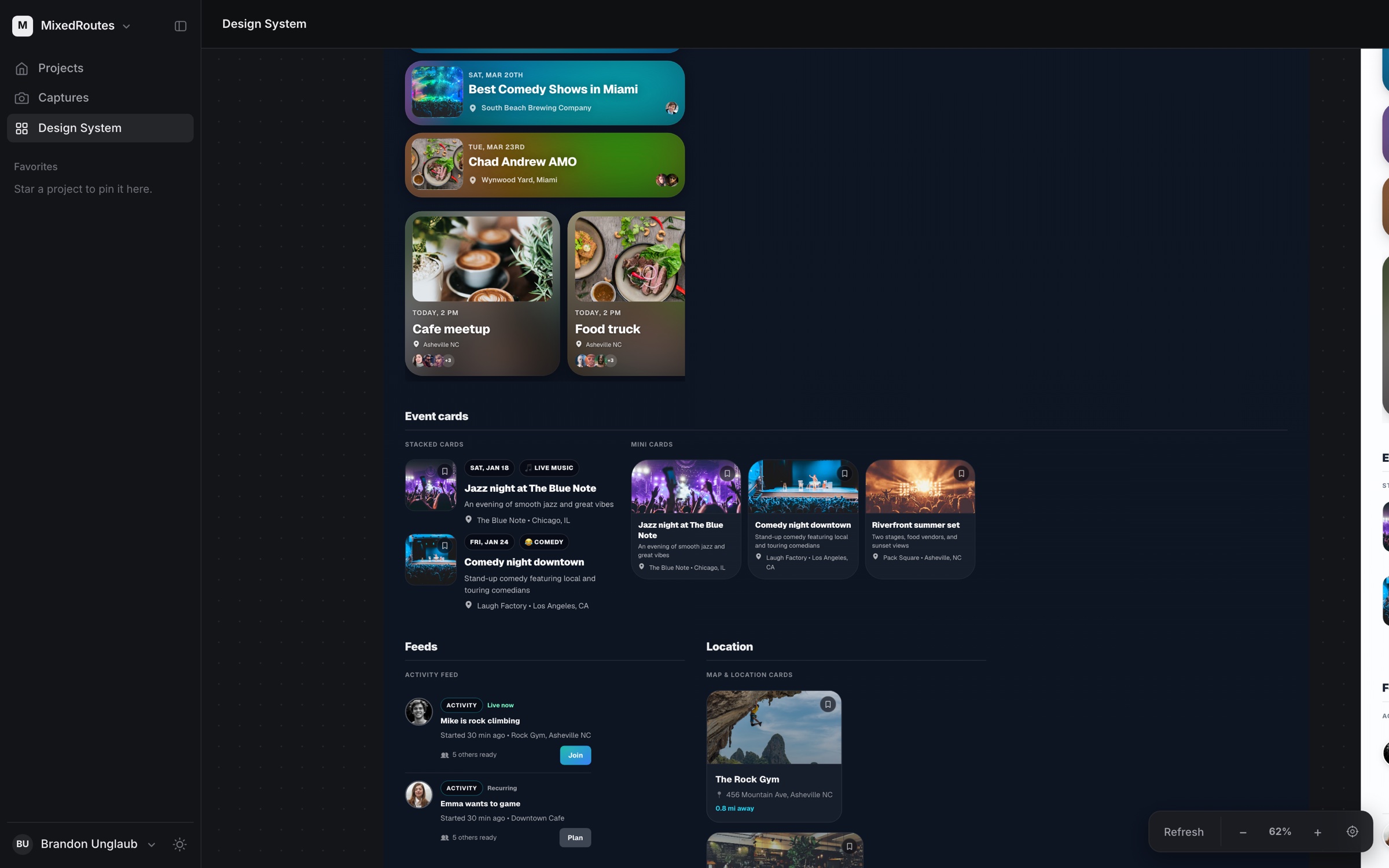
Every company gets a living design-system page: buttons, forms, navigation and cards, the same components the prototypes use.
At workFrom side project to team tool
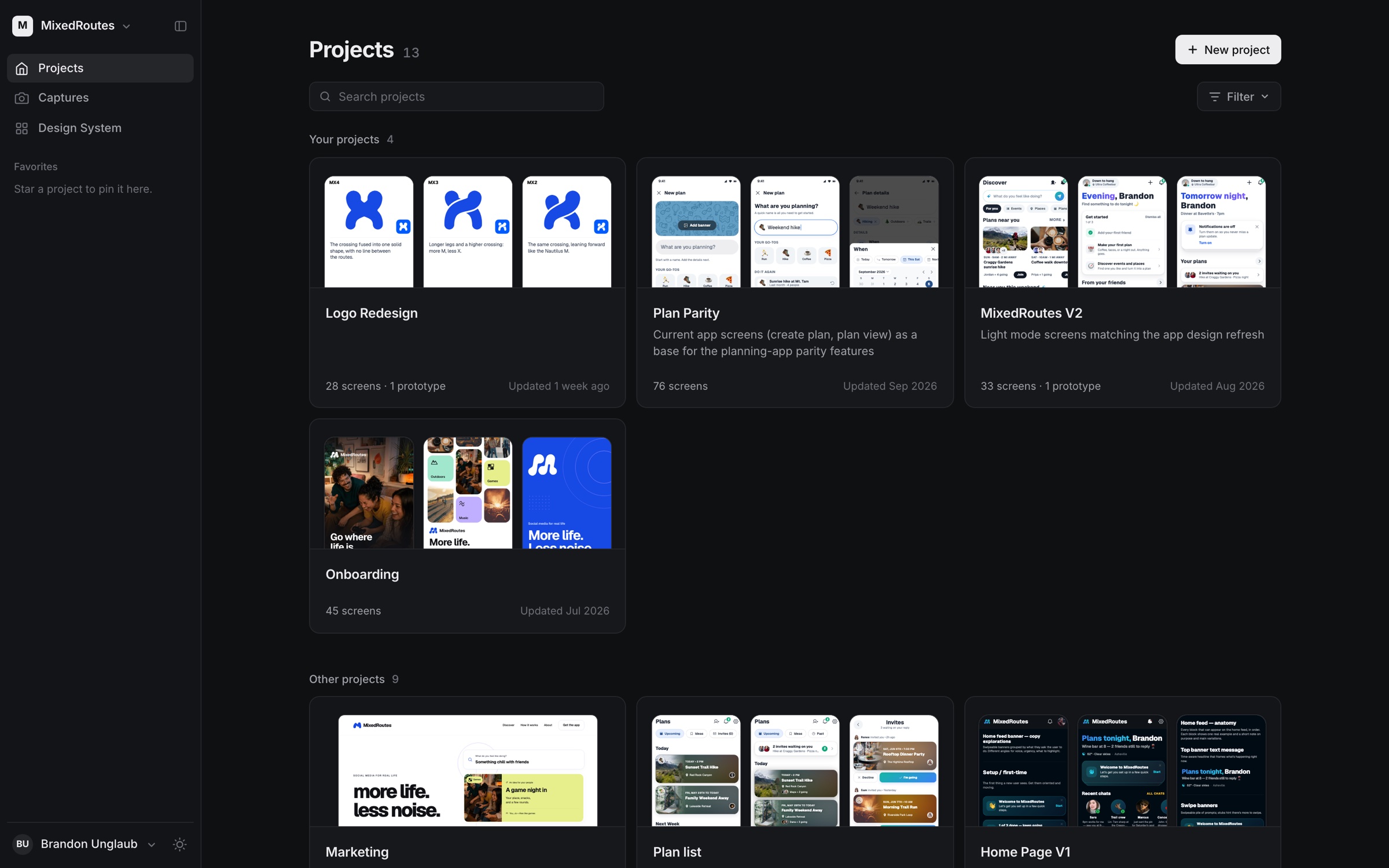
It started as my personal tool for MixedRoutes and Yarvy. My team at Jack Henry adopted it, and it’s now part of how we design there.